Straight to disk
Encoded chunks are written to your folder every 500 ms. A 40 minute recording never sits in memory, and a crash cannot take the file with it.
Chrome extension
Screen to disk. Nothing in between.
Records your screen into a folder you pick, one chunk at a time, while it records. No upload, no account, no watermark, no time limit. Press stop and the file is already there.
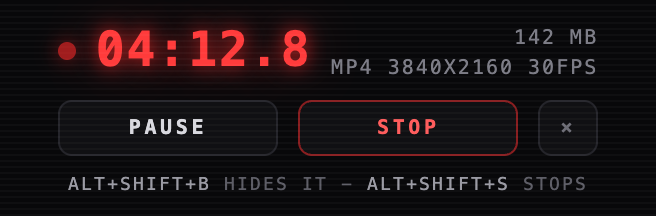
Encoded chunks are written to your folder every 500 ms. A 40 minute recording never sits in memory, and a crash cannot take the file with it.
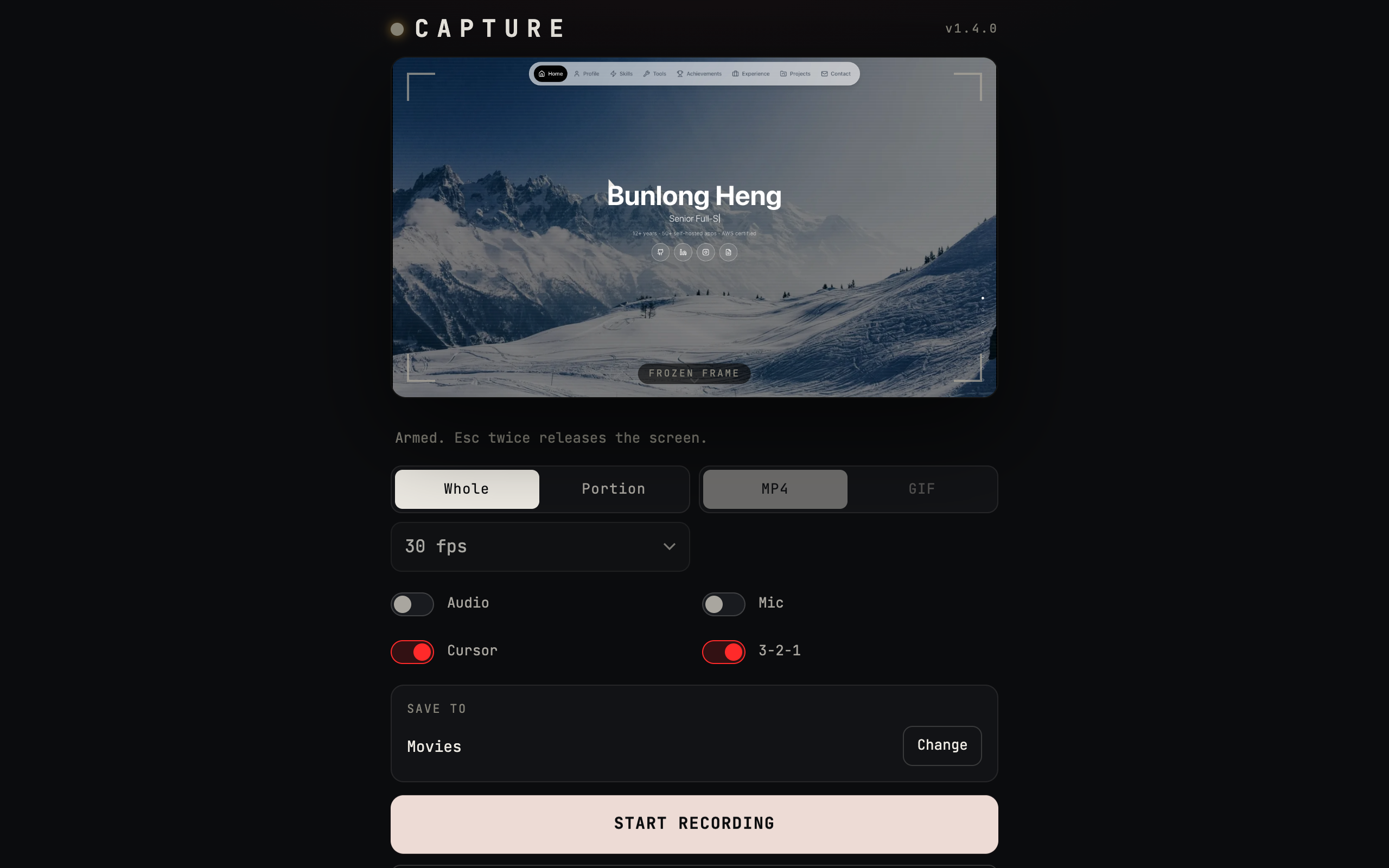
Record everything, one window, one tab, or drag a region on the monitor. MP4 or an animated GIF.
Ctrl+Cmd+R picks a source and records. No window comes forward, no bar, no count-in - just a red REC badge on the toolbar icon, which is also how you stop it.
A stealth recording ends after 30 seconds of a completely still screen, and saves what it has.
No server, no account, no analytics, and no permission to read the sites you visit. The video goes from the browser's encoder to your disk.
Captured at the display's true pixel size, so Retina screens stay sharp, with the bitrate scaled to match.
chrome://extensions and turn on Developer mode| Ctrl+Cmd+R | Stealth record: pick a source and it records |
|---|---|
| Alt+Shift+R | Open the recorder |
| Alt+Shift+B | Show or hide the floating bar |
| Alt+Shift+S | Stop and save |
Chrome 116+. Needs a desktop browser: screen capture and the File System Access API are not offered on phones.